
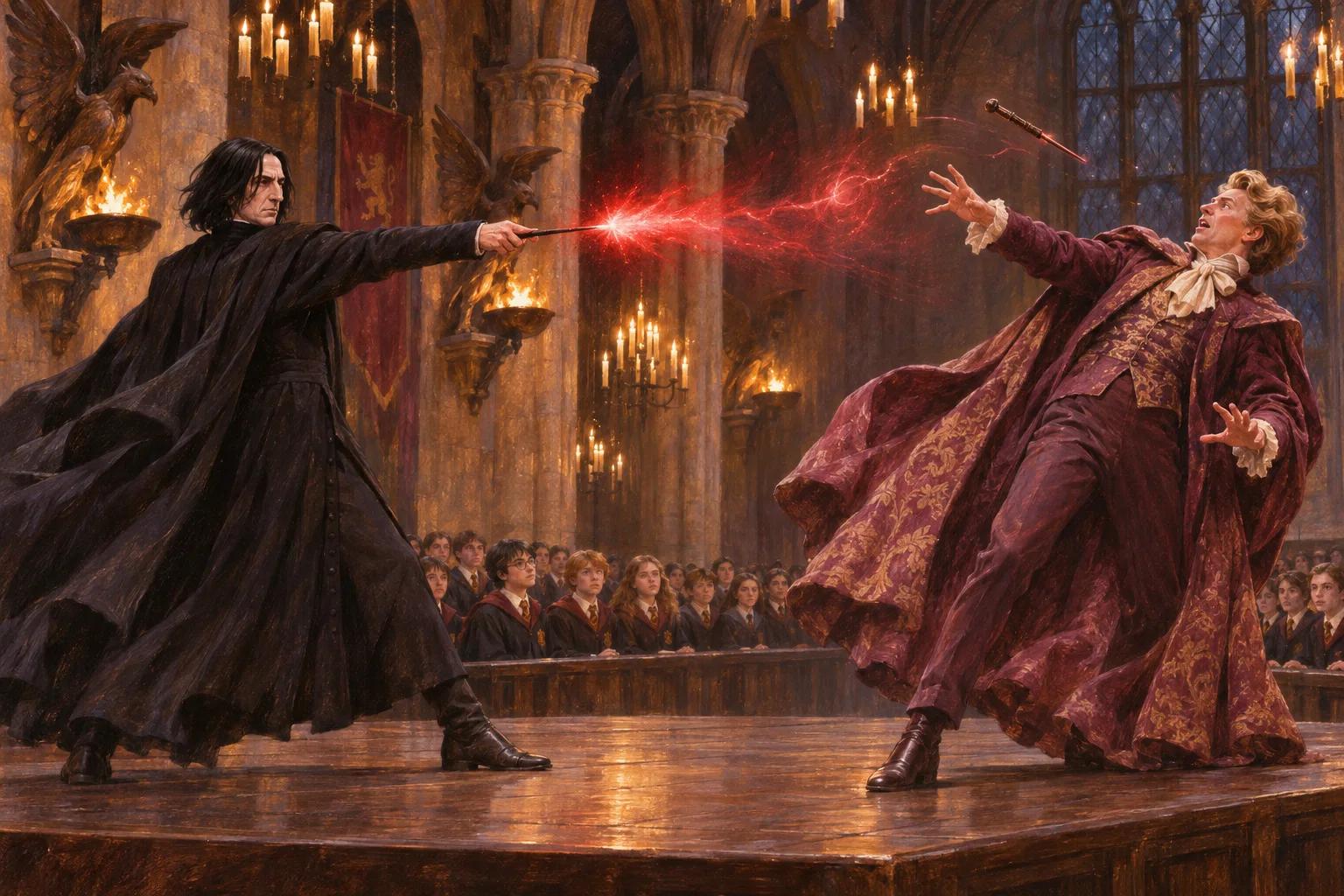
Chamber of Secrets · The Duelling Club
A lesson Harry never forgot
Snape demonstrates the charm against Lockhart at the Duelling Club. Harry watches a simple spell interrupt a showy opponent—and finds a technique he will return to again and again.
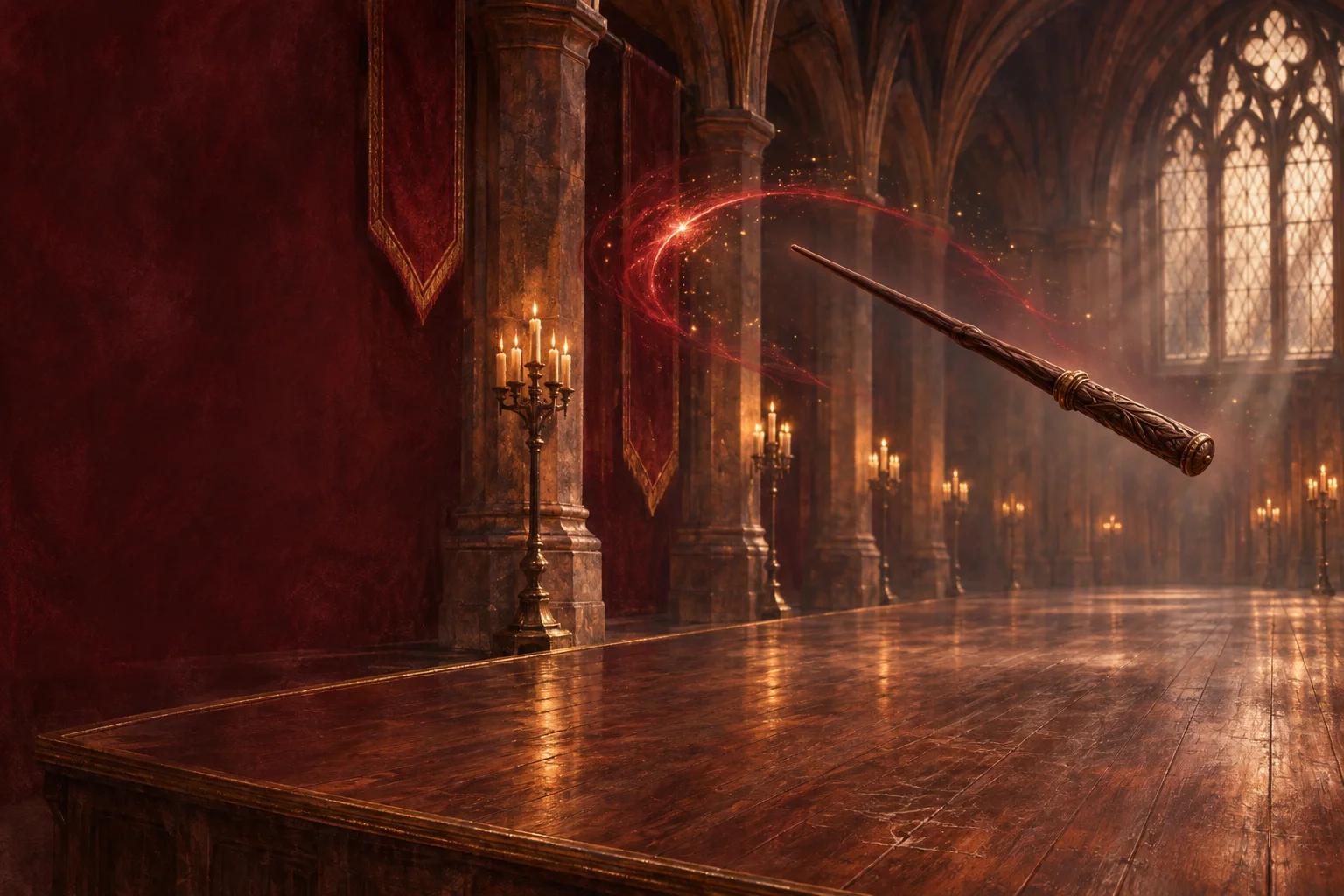
The art of the disarming charm
One flash of scarlet. One wand sent flying. A duel can turn on a single well-timed spell.
Free 3D duel · Mouse, keyboard or touch · Camera optional
The duellist’s notebook
Expelliarmus makes an opponent release what they are holding, usually a wand. Its strength is the opening it creates: take away the wand, and the next spell may never be cast.
How to pronounce Expelliarmus
Expelliarmus
ex-pel-ee-AR-mus
English pronunciation guide: stress the “AR” syllable.
The name roughly means “drive out a weapon”: the charm makes an opponent release what they are holding.
02 / From the story
AI-generated illustrations inspired by the stories; not film stills. Story spoilers ahead.
Chamber of Secrets · The Duelling Club
Snape demonstrates the charm against Lockhart at the Duelling Club. Harry watches a simple spell interrupt a showy opponent—and finds a technique he will return to again and again.

Goblet of Fire · The graveyard
Facing Voldemort, Harry chooses Expelliarmus. Their twin-core wands connect through Priori Incantatem; this extraordinary encounter is not the usual effect of the Disarming Charm.
03 / Your practice
Step into a free first-person 3D duelling hall. Watch for the red glow on your opponent’s wand, then swipe or press Space. Land three disarms to complete the lesson; each round asks for quicker timing.
Choose mouse, keyboard or touch to play without a camera, or enable the optional camera controls. Read the controls, then start the duel when you are ready.
When your opponent's wand glows red, that's your moment to strike.
When the wand glows red: hold the left mouse button and swipe sideways, swipe on a touchscreen, or press Space once. With a camera, flick your hand sideways. You do not need to say the spell aloud.
When the wand glows red: hold left click and swipe sideways, swipe on a touchscreen, or press Space.
Flick your hand sideways when the opponent's wand glows red!
Keep your whole hand in view and use good lighting for camera tracking. If the camera is unavailable or permission is denied, choose touch controls. The interactive scene needs JavaScript and WebGL; try a browser with hardware acceleration enabled if it does not load.
Camera frames are processed on your device for hand tracking and are not uploaded. You can read this guide and play with touch controls without granting camera access.
04 / More spells

Carry a happy memory into the moonlit forest and summon a guardian of light.

Lift the feather with your wand. Walk through the classroom, then hang it on the glowing branch.

Light the tip of your wand and discover what waits in the shadows.